
How to Use Emploi Public App on Android – Beginner’s Guide
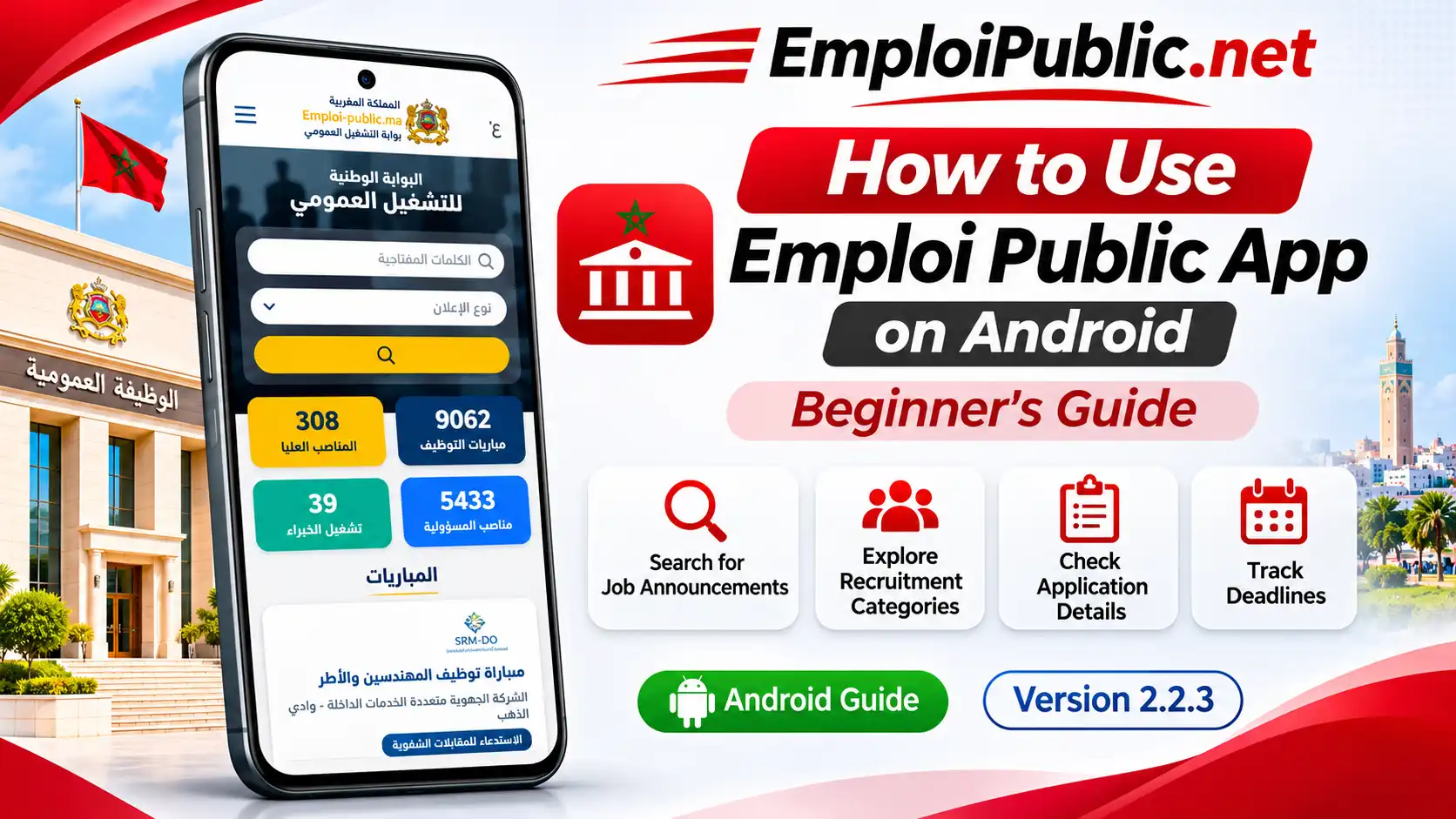
Learning how to use Emploi Public App on Android can help you explore Moroccan government job opportunities, public sector recruitment competitions, and employment announcements directly from your smartphone.
The Emploi Public application provides a mobile-friendly interface for accessing recruitment-related information in Morocco. Whether you are a recent graduate, an experienced professional, or someone preparing for a government recruitment examination, understanding how to navigate the application can make your job search easier and more organized.
In this beginner’s guide, you will learn how to install and open Emploi Public on Android, understand its main interface, search for recruitment announcements, explore job categories, check application deadlines, and find information about government recruitment competitions.
What Is Emploi Public App?
Emploi Public is an application associated with public sector recruitment and government employment opportunities in Morocco.
The Android interface provides access to recruitment-related information, including job announcements, public administration vacancies, and competitive recruitment examinations commonly known as concours.
The application interface includes a keyword search bar, an announcement-type filter, recruitment categories, and job announcement listings.
The Emploi Public APK version currently presented on our website is 2.2.3.
The app can be a useful resource for people interested in exploring government employment opportunities in Morocco. For authoritative recruitment announcements and application procedures, users can also consult the official Moroccan public employment portal at https://www.emploi-public.ma/.
How to Get Started With Emploi Public on Android?
Before exploring the application’s features, you need to download and install it on a compatible Android smartphone.
Step 1 – Download Emploi Public APK
Visit the Emploi Public APK Download page to find the available Android installation file.
Review the application information, version details, and download instructions before proceeding.
Step 2 – Install the Application
Locate the downloaded APK file on your Android device and open it.
Follow the installation instructions displayed on your screen. Android may ask you to authorize installation from the source you used. Review the security information and proceed only if you trust the file and its publisher.
Step 3 – Open Emploi Public App
After installation is complete, find the Emploi Public icon on your smartphone and tap it to launch the application.
Step 4 – Connect to the Internet
Make sure your device has a working internet connection so you can access recruitment information and online announcements.
Step 5 – Explore the Homepage
Once the application opens, take a moment to explore the homepage and become familiar with its search tools, navigation menu, and recruitment categories.
Understanding the Emploi Public App Interface
The Emploi Public Android interface includes several sections designed to help users explore recruitment information.
1. Navigation Menu
At the top of the application, you will find a menu icon.
Tap this icon to explore the available navigation options and sections supported by your version of the app.
2. Job Search Bar
The homepage includes a search field where users can enter keywords related to employment opportunities.
For example, you may search using:
- Job titles.
- Professional qualifications.
- Government administration names.
- Recruitment-related keywords.
- Specific professions or fields of work.
Using relevant search terms can help you find announcements that match your interests.
3. Announcement Type Filter
The application interface includes a dropdown menu for selecting the type of announcement.
This filter helps users narrow their search according to the available recruitment categories.
4. Search Button
After entering your keywords and selecting an announcement type, tap the yellow search button.
The application will process your search and display available results according to the selected criteria.
5. Recruitment Categories
The homepage displays four main recruitment categories.
Recruitment Competitions
This section focuses on public sector recruitment examinations and competitive hiring opportunities in Morocco.
Senior Positions
This category relates to higher-level employment opportunities within public institutions and administrations.
Positions of Responsibility
This section covers recruitment information associated with positions involving administrative or managerial responsibilities.
Experts
This category focuses on opportunities involving specialized expertise or professional qualifications.
The statistics displayed on the homepage can change as recruitment information is updated.
6. Recruitment Announcements
Below the main categories, the application displays recruitment announcement cards.
These announcements may include job titles, recruiting institutions, available positions, and application deadlines.
Select an announcement to review the information provided.
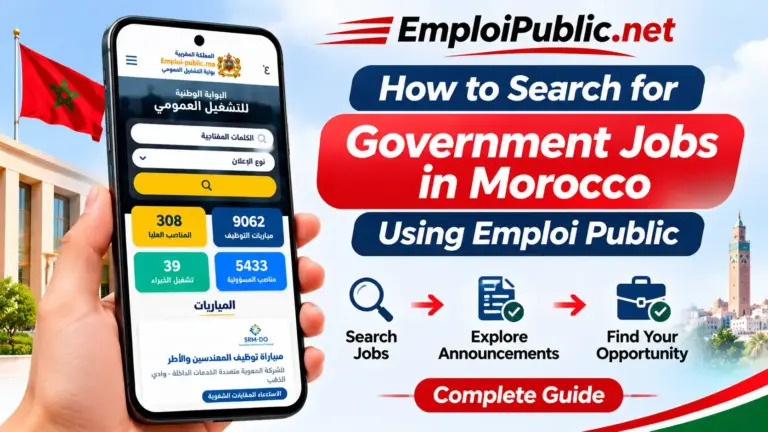
How to Search for Government Jobs Using Emploi Public?
One of the main tasks you can perform through the application is searching for public sector employment opportunities.
Follow these steps to explore available announcements.
Step 1 – Launch the Application
Open Emploi Public on your Android smartphone.
Step 2 – Find the Search Field
Locate the keyword search bar near the top of the homepage.
Step 3 – Enter Your Search Keyword
Type a relevant term associated with the job or recruitment opportunity you want to find.
For example, you can search for a profession, qualification, or public administration.
Step 4 – Select an Announcement Type
Use the dropdown menu to choose the category that best matches your search.
Step 5 – Tap the Search Button
Press the yellow search button to begin searching.
Step 6 – Review Available Announcements
Browse the results and identify opportunities relevant to your qualifications and interests.
Step 7 – Open a Recruitment Announcement
Select an announcement to read its available details.
Step 8 – Check the Official Information
Before applying, confirm the recruitment requirements, deadlines, and application procedures through the official recruitment notice.
How to Find Recruitment Competitions (Concours)?
Public sector recruitment competitions are an important part of government hiring in Morocco.
The Emploi Public interface includes a category dedicated to recruitment competitions.
To explore these opportunities:
- Open the Emploi Public application.
- Locate the Recruitment Competitions category.
- Select the category or use the keyword search.
- Browse the available competition announcements.
- Choose a competition that matches your qualifications.
- Review its eligibility requirements.
- Check the application deadline.
- Follow the instructions published by the recruiting institution.
Recruitment competitions may involve written examinations, interviews, practical assessments, or other selection stages.
The exact process depends on the recruiting organization and the position.
How to Read Emploi Public Recruitment Announcements?
Understanding recruitment announcements is essential when applying for government jobs in Morocco.
Here are the most important details to review.
Recruiting Institution
Identify the government administration, ministry, public institution, or organization responsible for the recruitment.
Job Title
Check the advertised position and make sure it matches your career interests.
Number of Available Positions
Some recruitment announcements specify the number of vacancies available.
Educational Qualifications
Review the diplomas, educational levels, and professional qualifications required for the position.
Eligibility Requirements
Check any additional conditions mentioned in the official recruitment notice.
Application Deadline
Pay attention to the closing date for submitting your application.
Required Documents
Depending on the competition, applicants may need identification documents, diplomas, a CV, or other supporting materials.
Application Procedure
Read the instructions explaining how and where applications must be submitted.
Examination Details
If the recruitment involves examinations or interviews, review the published dates, locations, and participation requirements.
How to Apply for Government Jobs in Morocco?
After finding a suitable recruitment announcement, the next step is understanding the official application process.
Step 1 – Choose a Suitable Position
Select a job opportunity that matches your educational qualifications and professional experience.
Step 2 – Read the Recruitment Notice
Carefully review the official announcement to understand the eligibility requirements and application instructions.
Step 3 – Prepare Your Documents
Gather the documents requested by the recruiting institution.
Common documents may include a CV, diploma copies, identification information, and application forms.
Step 4 – Check the Application Method
Determine whether the recruiting institution requires an online application, submission through another official platform, or a different procedure.
Step 5 – Submit Your Application
Complete the required steps before the application deadline.
Step 6 – Save Your Application Confirmation
If you receive an application reference number or submission confirmation, keep it for future use.
Step 7 – Follow Recruitment Updates
Monitor official announcements for examination schedules, eligible candidate lists, and recruitment results.
The availability of direct application functions within the Android app depends on the installed version. Always follow the submission method specified in the official recruitment announcement.
How to Check Application Deadlines on Emploi Public?
Application deadlines are among the most important details in any recruitment announcement.
Missing a deadline can prevent you from participating in a recruitment competition.
To check application deadlines:
- Open the recruitment announcement.
- Look for the application closing date.
- Review the complete official recruitment notice.
- Confirm the deadline through the recruiting institution.
- Save the date in your phone’s calendar.
- Prepare the required documents in advance.
- Submit your application before the closing date.
Recruitment deadlines may change, so checking the latest official announcement is recommended.
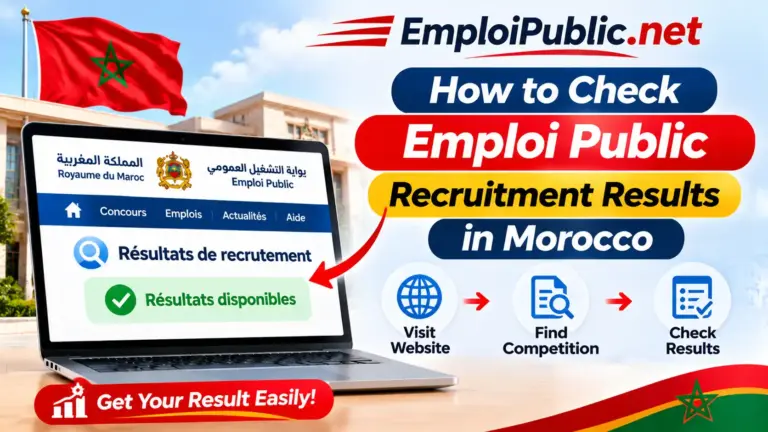
How to Check Recruitment Results in Morocco?
Government recruitment competitions may involve several stages before the final results are announced.
These stages can include candidate eligibility lists, examination schedules, interview invitations, and final selection results.
To check recruitment results:
- Identify the recruitment competition you applied for.
- Note the recruiting institution and job title.
- Visit the official public employment portal or the institution’s website.
- Find the relevant recruitment announcement.
- Look for published results or candidate lists.
- Review any additional instructions for selected candidates.
The official recruitment notice and the recruiting institution’s website are the appropriate sources for confirming results.
Tips for Using Emploi Public App Effectively
Search With Relevant Keywords
Use specific job titles, qualifications, or professional fields to make your search more focused.
Explore Different Job Categories
Check more than one recruitment category when your qualifications match different opportunities.
Review Announcements Regularly
New recruitment opportunities and updates may appear over time.
Read the Full Recruitment Notice
Avoid relying only on an announcement’s title or short summary.
Prepare Your Documents Early
Keep your CV, diplomas, and other commonly requested documents organized.
Track Important Deadlines
Use your Android phone’s calendar or reminders to avoid missing application dates.
Verify Recruitment Information
Confirm important details through official government websites or the responsible recruiting institution.
Protect Your Personal Information
Avoid sharing identification documents or sensitive personal data through unverified websites or suspicious links.
Common Emploi Public App Problems and Solutions
Emploi Public App Is Not Opening
If the application does not open, restart your Android device and try launching it again.
You can also check whether your installed version is compatible with your device.
Search Results Are Not Loading
Check your internet connection and try entering a different search keyword.
If the issue continues, consult the official recruitment portal to check whether the announcement is available.
Recruitment Announcements Are Not Displayed
Temporary connection issues or unavailable content may affect announcement loading.
Try reopening the application or checking the relevant information through the official website.
Emploi Public APK Installation Failed
Make sure your Android device has sufficient storage space and that the APK is compatible with your system.
Only install files from sources you trust, and do not bypass security warnings for unknown files.
Application Information Appears Outdated
Recruitment information can change over time.
Check the latest official announcement before submitting an application or relying on a deadline.
Emploi Public App Is Running Slowly
Close unnecessary background applications, check your internet connection, and restart the app.
Performance can vary depending on your device and network conditions.
Emploi Public Android App vs Web Version
Users can explore Moroccan public employment information through the Android application or the official web portal.
| Feature | Android App | Web Version |
|---|---|---|
| Access Method | Installed Android application | Web browser |
| Installation Required | Yes | No |
| Android Support | Compatible Android devices | Through browser |
| iPhone Support | APK not supported | Through browser |
| Computer Access | Not a standard desktop application | Available |
| Job Search | Depends on app features | Available through official portal |
| Recruitment Announcements | Depends on app data | Official portal announcements |
| Updates | May require application updates | Website updated online |
| Internet Connection | Generally required for current information | Required |
If you prefer accessing recruitment information without installing an APK, visit our Emploi Public Web Version guide.
Benefits of Learning How to Use Emploi Public App
Understanding the application interface can make it easier to explore recruitment information and identify opportunities that match your interests.
Some potential benefits include:
- Finding relevant recruitment announcements more efficiently.
- Understanding different public sector job categories.
- Learning how to search using recruitment keywords.
- Identifying important application requirements.
- Checking recruitment deadlines.
- Exploring government employment opportunities.
- Becoming familiar with recruitment procedures in Morocco.
- Using a smartphone to access employment-related information.
- Organizing your public sector job search.
- Learning when and where to verify official announcements.
Ending Thoughts
Learning how to use Emploi Public App on Android is a useful starting point for candidates interested in Moroccan government jobs and public sector recruitment competitions.
By understanding the search bar, announcement filters, recruitment categories, and job listings, beginners can navigate the application more confidently and explore opportunities relevant to their qualifications.
Remember to read recruitment announcements carefully, prepare your documents in advance, and verify important details through official sources.
For more information, explore our Emploi Public App Features page, visit the Emploi Public APK Download page, or access the official Moroccan public employment portal at https://www.emploi-public.ma/.
Frequently Asked Questions
How do I use Emploi Public App on Android?
Open the application on your Android smartphone, explore the homepage, use the keyword search bar or recruitment categories, and select an announcement to review its details.
How can I search for government jobs using Emploi Public?
Enter a relevant keyword in the search field, select an announcement type if needed, and tap the search button to explore available results.
What are the main categories in Emploi Public App?
The interface includes recruitment competitions, senior positions, positions of responsibility, and expert recruitment categories.
Can I apply for government jobs directly through Emploi Public App?
Application procedures depend on the recruiting institution. Follow the instructions in the official recruitment notice to determine the correct submission method.
How can I find recruitment competitions on Emploi Public?
Open the Recruitment Competitions section or use the search bar to find announcements related to public sector recruitment examinations.
How do I check application deadlines?
Open a relevant recruitment announcement and verify the closing date through the official recruitment notice.
Can I check recruitment results using Emploi Public?
Recruitment results may be published through official government portals or recruiting institution websites. Use those sources to confirm results and related notices.
Is Emploi Public App free to download?
The APK is presented as a free download on emploi-public.net. Visit the download page for the available file and version information.
What version of Emploi Public APK is available?
The version currently presented on emploi-public.net is 2.2.3.
Can I use Emploi Public on an iPhone?
Android APK files cannot be installed directly on iPhones. However, iPhone users can access Morocco’s official public employment portal through a compatible web browser.
Do I need an internet connection to use Emploi Public?
An internet connection is generally needed to access current recruitment announcements and online information.
Where can I find official government recruitment announcements in Morocco?
You can visit the official Moroccan public employment portal at https://www.emploi-public.ma/ or consult the website of the recruiting institution.
2 Comments